Inbox and profiles
Updated November 5, 2026Every DM from every connected profile lands in one list. Here’s how to read it and keep it under control.
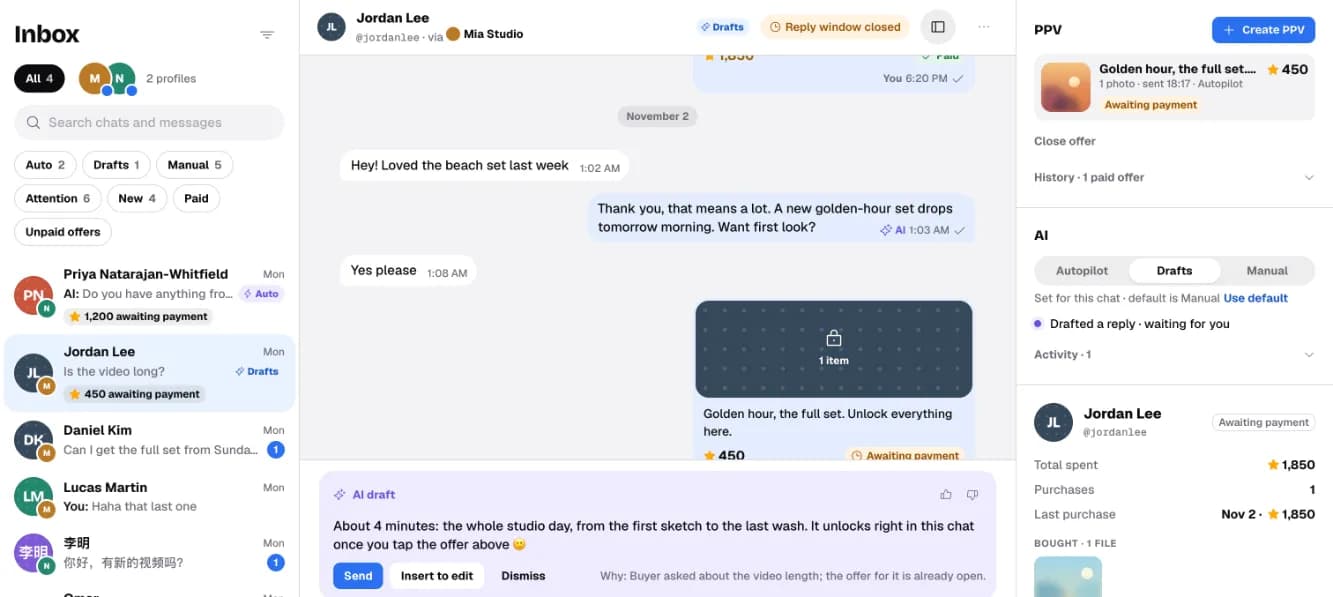
Switch between profiles
The round avatars next to All are your connected Telegram profiles. Tap one to see only its chats. Tap All to see everything again.
Each chat shows a small badge with the profile it came through. In an open chat the header says via and the profile name, and your reply goes out from that profile.

What you’ll seeThe list shows only that profile’s chats, and the line next to the avatars says which one, for example “Mia Studio · 2 new”.
Filter the list
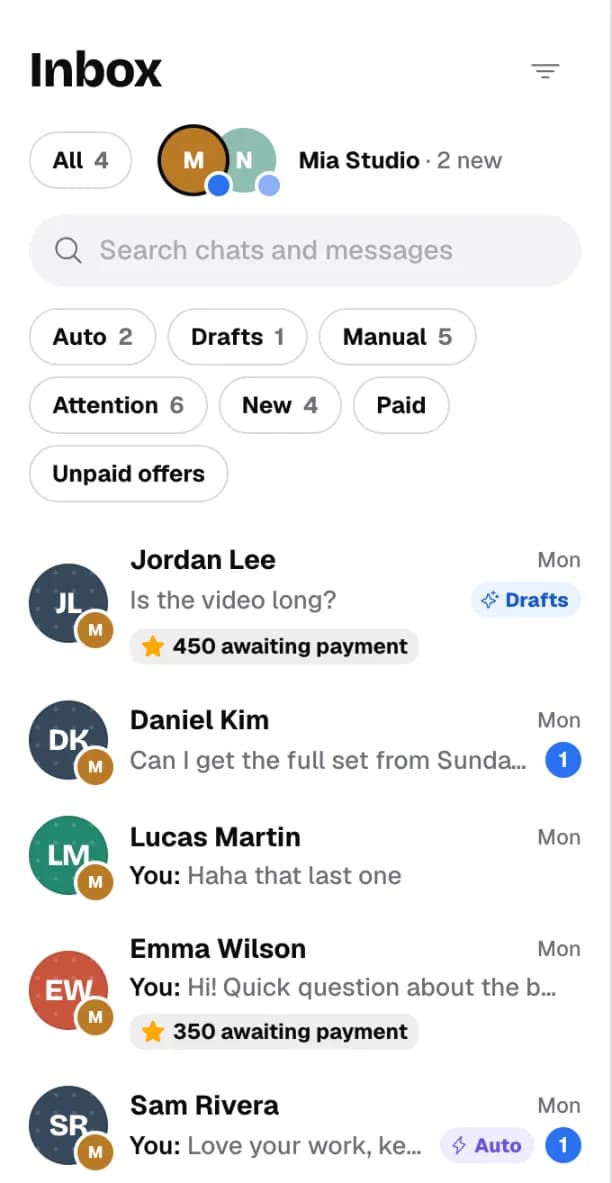
- Auto, Drafts, Manual: chats by AI mode.
- Attention: waiting for your reply, or the AI handed the chat to you.
- New: not opened in CreatorInbox yet (separate from Telegram’s unread count).
- Paid: has a purchase that wasn’t refunded. Unpaid offers: an offer was sent but not bought.
- The filter icon next to Inbox switches between Open, Snoozed and Done chats.
Choose who answers each chat
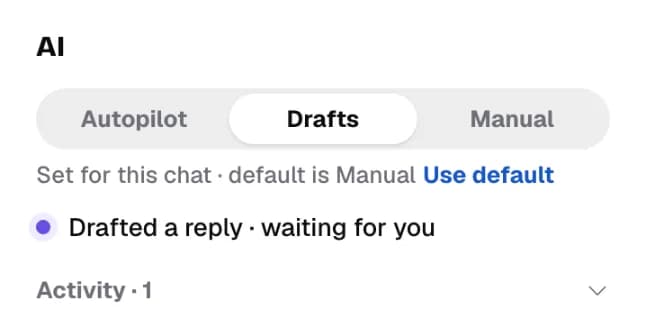
Every profile has a default AI mode (set on the AI page). You can change it for one chat in the side panel, under AI:
| Mode | What happens |
|---|---|
| Manual | You write every reply. The AI stays quiet. |
| Drafts | The AI writes a reply; you send, edit or dismiss it. |
| Autopilot | The AI replies on its own and hands tricky chats to you. |
What you’ll see“Set for this chat” under the switch means this chat differs from its profile. Use default puts it back.
Read the badges
| You see | It means |
|---|---|
| ⭐ 450 awaiting payment | You sent an offer; the buyer hasn’t paid yet. |
| Needs your reply | The AI handed this chat to you. |
| Closing soon | Telegram’s 24-hour reply window is about to close. |
| Reply window closed | No message from the buyer for over 24 hours. You can reply after they write again. |
| New buyer | Their first purchase was in the last 7 days. |
| Blue number | Unread messages. |
Inside a chat
- Snooze or Mark done from the ⋯ menu in the chat header. A new message brings the chat back.
- The right panel shows offers in this chat, the AI mode, and the buyer: total spent, purchases and files they own.
- The first message in a chat says when history starts: messages from before you connected the bot aren’t imported.
Why some buyers have no photo
Buyer photos appear only when Telegram lets your bot see them. If a buyer hides their photo in Telegram’s privacy settings, or the bot can’t reach Telegram, you see their initials instead. Nothing is wrong with the chat.
On your phone
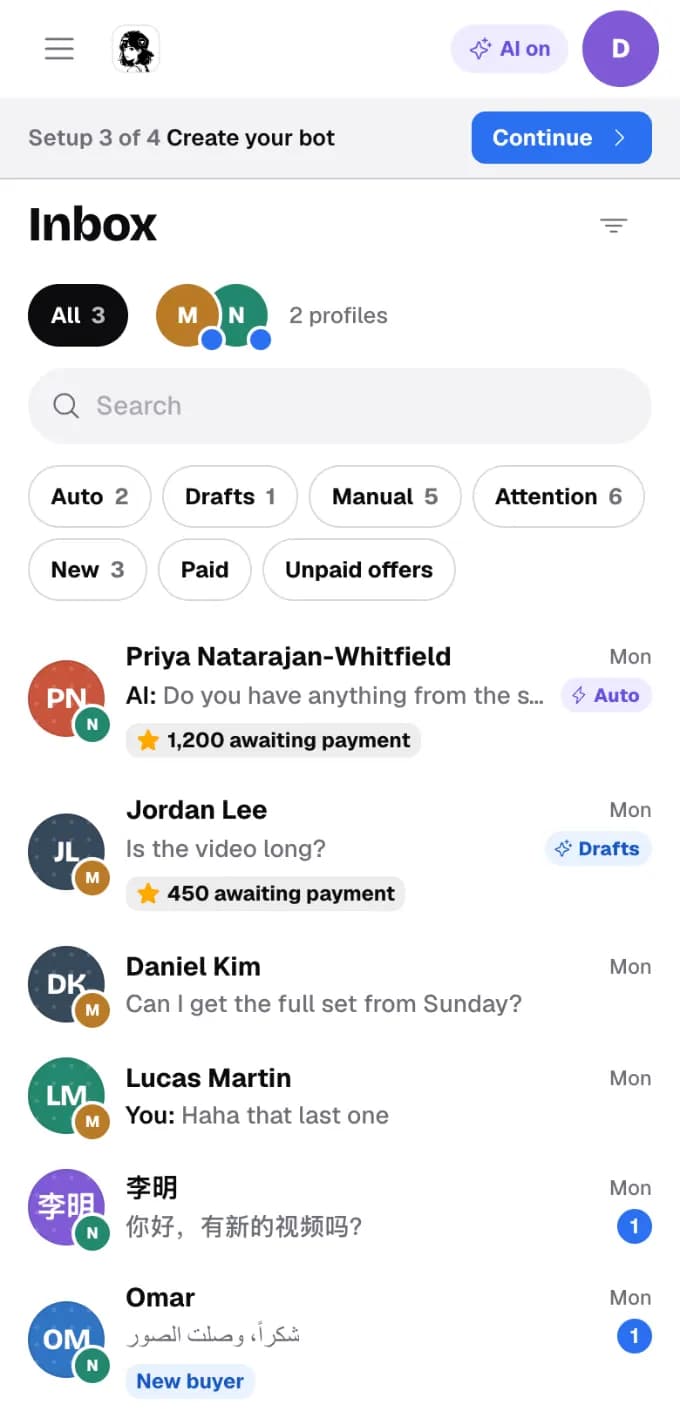
The same inbox works in your phone’s browser. The ☰ menu opens the sections; Billing, Journal and this guide are in the menu too.
Step by step, with video walkthroughs of the inbox and the Journal: A Telegram inbox for creators.