An AI assistant that answers your Telegram DMs and sells for you
Updated November 2, 2026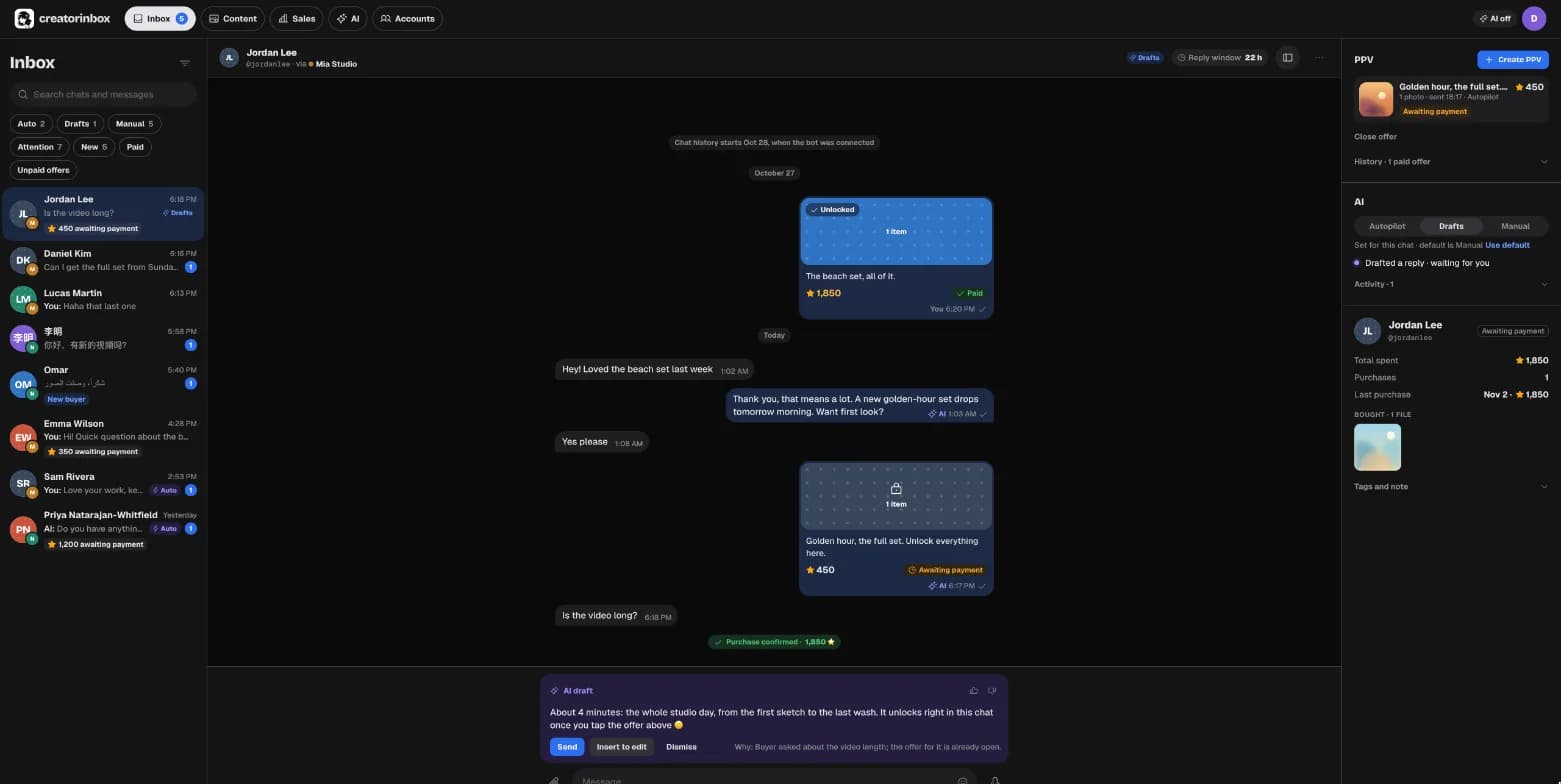
How a Telegram Business chatbot works
Telegram lets you connect a bot that can read and answer your private chats. You choose which chats it can access, for example only people who aren’t in your contacts. Since May 2026, connecting a bot doesn’t require Telegram Premium. One account can have one connected bot.
Buyers keep writing to you. Replies go out from your account, under your name. CreatorInbox works through a bot you create in @BotFather, so the bot, its Stars balance and your audience stay yours.
Set it up in about 5 minutes
- Create a botIn Telegram, open @BotFather, send /newbot and copy the token it gives you.
- Connect it to CreatorInboxPaste the token. CreatorInbox sets up the bot and starts receiving its updates.
- Add the bot to your accountIn Telegram, open Settings → Chat Automation (in older versions: Telegram Business → Chatbots). Pick the bot and the chats it can see.
- Tell the AI about youPick an assistant style, add a few facts about you and your files, and choose which files it may offer.
Manual, Drafts or Autopilot: you decide per chat
Every chat has one of three modes, and the inbox shows which one at a glance. Set a default for the account, then change it for any single chat.
| Mode | What the AI does | Good for |
|---|---|---|
| Manual | Nothing. You write every reply. | Friends, clients, anything personal |
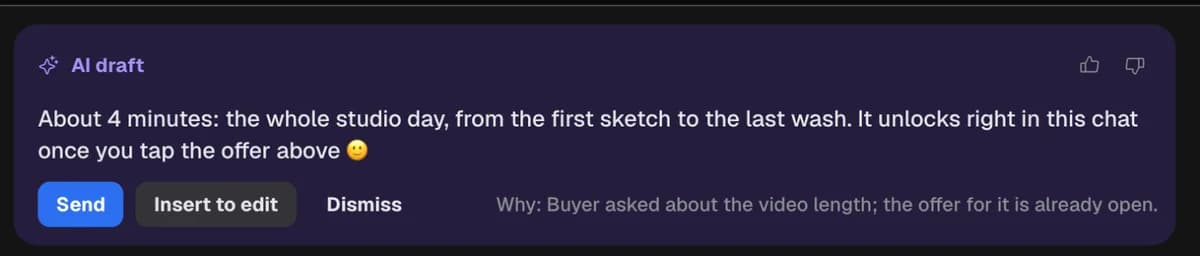
| Drafts | Writes a reply and, when it fits, a paid offer. You send, edit or dismiss it. | Getting started, high-value buyers |
| Autopilot | Replies and sells on its own, within your rules. Hands the chat to you when needed. | Nights, busy days, repeat questions |
Replies in your voice
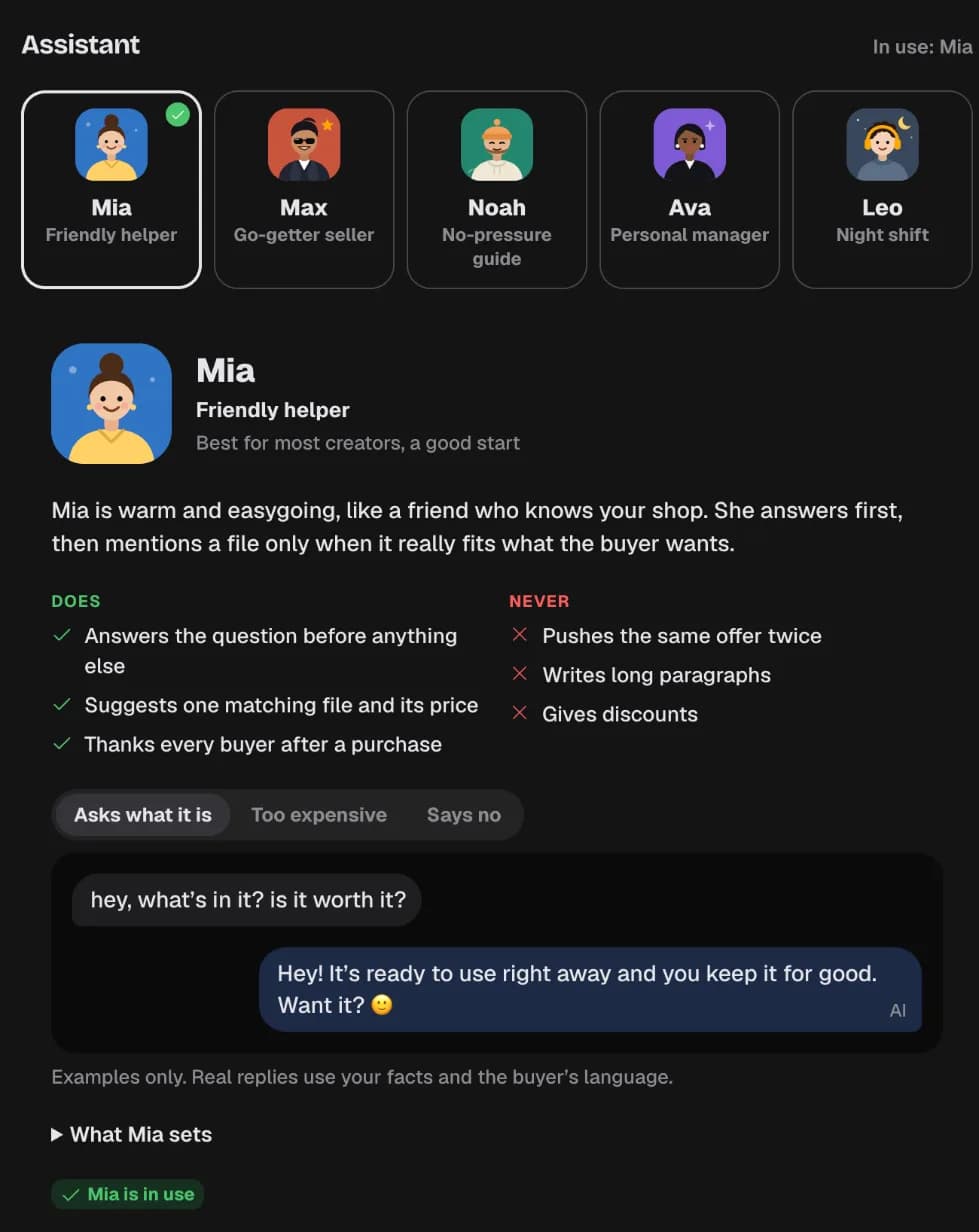
Start from one of five assistant styles: a friendly helper, a go-getter seller, a no-pressure guide, a personal manager, or a night shift that works only while you sleep. Each style sets the tone and the selling rules. Then add your own facts and answers to common questions. The AI uses only what you give it and doesn’t make things up about you or your files.
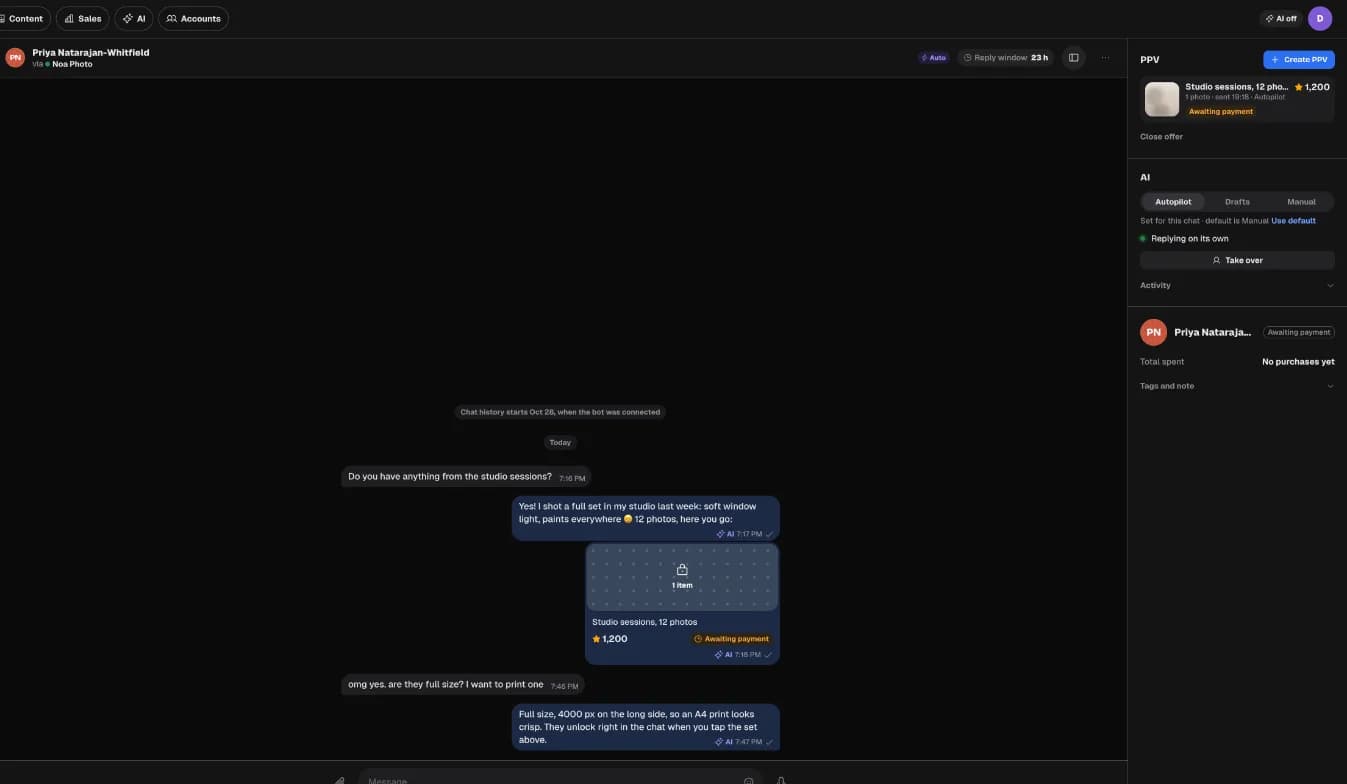
On Autopilot, the chat looks the same as when you answer: the message is marked as read, “typing…” shows while the reply is being written, and a long answer arrives as a few short messages.
Rules the AI can’t break
These rules are checked in code before anything is sent, whatever style you pick:
- No discounts, meetings, custom orders or refund promises
- Only files from your library, only at prices inside your range
- Never confirms a payment because the buyer says they paid. Only Telegram’s confirmation counts.
- Stops offering after a clear “no” and limits reminders
- Hands the chat to you for custom requests, when someone asks for a real person, or when it isn’t sure
A chat it hands over is marked Needs your reply, with the reason. In Drafts mode you also get a suggested reply to start from.
How it differs from a chatbot builder
Tools like Manychat or Botpress help you build bots with menus, flows and broadcasts. CreatorInbox does one job: it answers one-to-one conversations in your own DMs and sells your files there. You don’t draw flows. You describe yourself and your rules, then review what the AI does.
Telegram Business details (bot rights, chat selection, the Premium requirement) were checked against Telegram’s documentation on November 2, 2026.
Questions
What is a Telegram Business chatbot?
A bot you connect to your personal Telegram account in the Business settings. It can read and reply to the private chats you allow. CreatorInbox uses your own bot to answer DMs with AI and sell files for Stars.
Can a bot reply from my personal Telegram account?
Yes, through Telegram Business. You connect your bot in Telegram's settings and choose which chats it can access. Its replies appear in those chats as messages from you.
Do I need Telegram Premium?
Not to connect a bot. Telegram removed that requirement in May 2026. Other Business features are still part of Premium.
Will my friends get AI replies too?
Only if you allow it. In Telegram you can limit the bot to selected chats or exclude your contacts. In CreatorInbox you can set any chat to Manual.
What languages does it reply in?
In the buyer's language by default. You can also set it to always reply in English or in Russian.
Can I take over a conversation?
Yes. Press Take over or just start typing. The AI stays quiet in that chat until you hand it back.